Now I understand why I abandoned the challenge at the very beginning of our acquaintance, when I was doing the same thing in the lessons, I thought that I was doing something wrong since it was not displayed in the prompts.
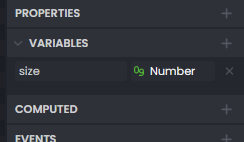
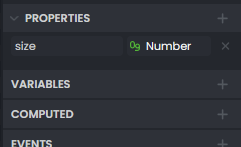
Assuming you’re creating a component, you first have to create the variable “size” in the component.
First, click on the component file, then go to the Inspector panel.
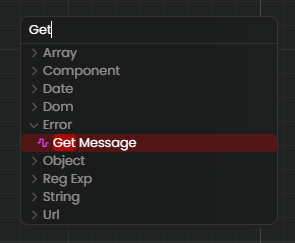
This is understandable, but I was talking about the following:
Yes but after what you said you need to go to graph do Right Click to add Node and try typyng Get i expect a filtered list of nodes with the word Get in the name.
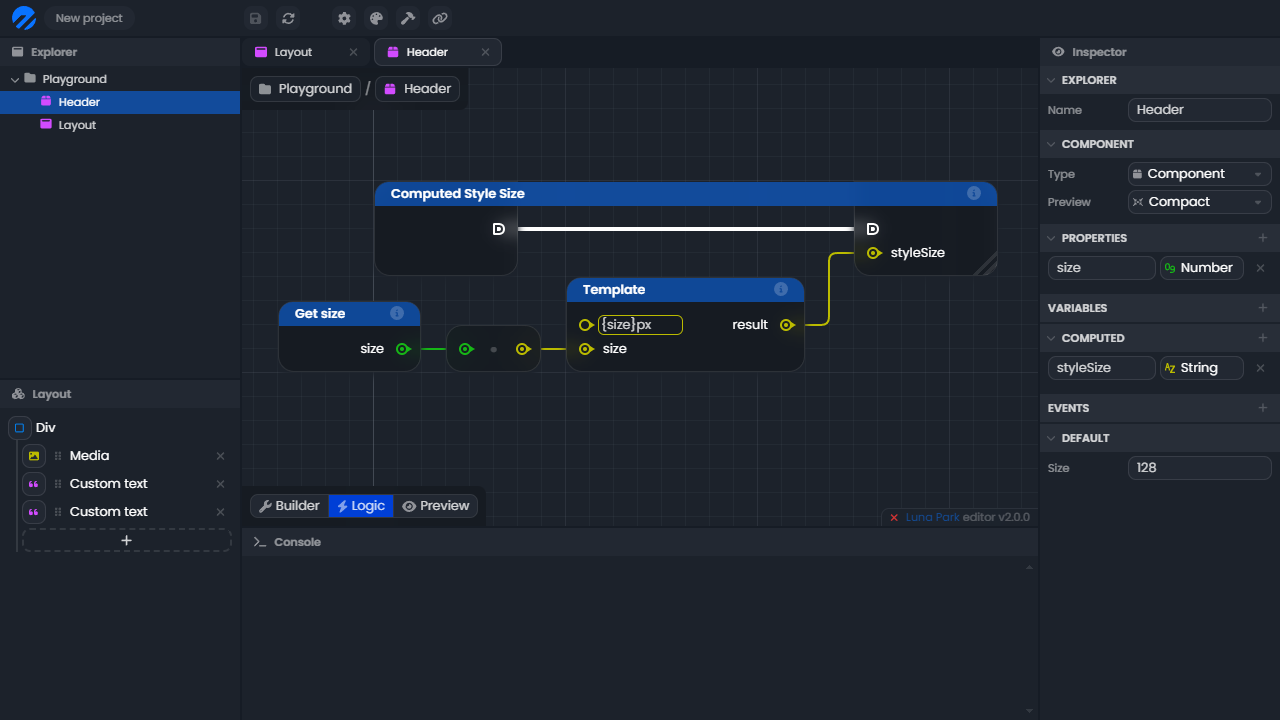
Now I have to manually go through the list tree starting from Component/ to find a node named Get size