When using a 4K monitor, the text and icons are very small, need to add scaling to the interface elements.
Noted, I’m adding this to the backlog, thanks for the suggestion! This is fairly easy to add, so this should be available shortly.
1 Like
To be honest, I stopped. I’m already a dinosaur and I have poor eyesight. My eyes can’t stand working in LP for more than 30 minutes.
I immediately try to repeat the steps from Challenge.
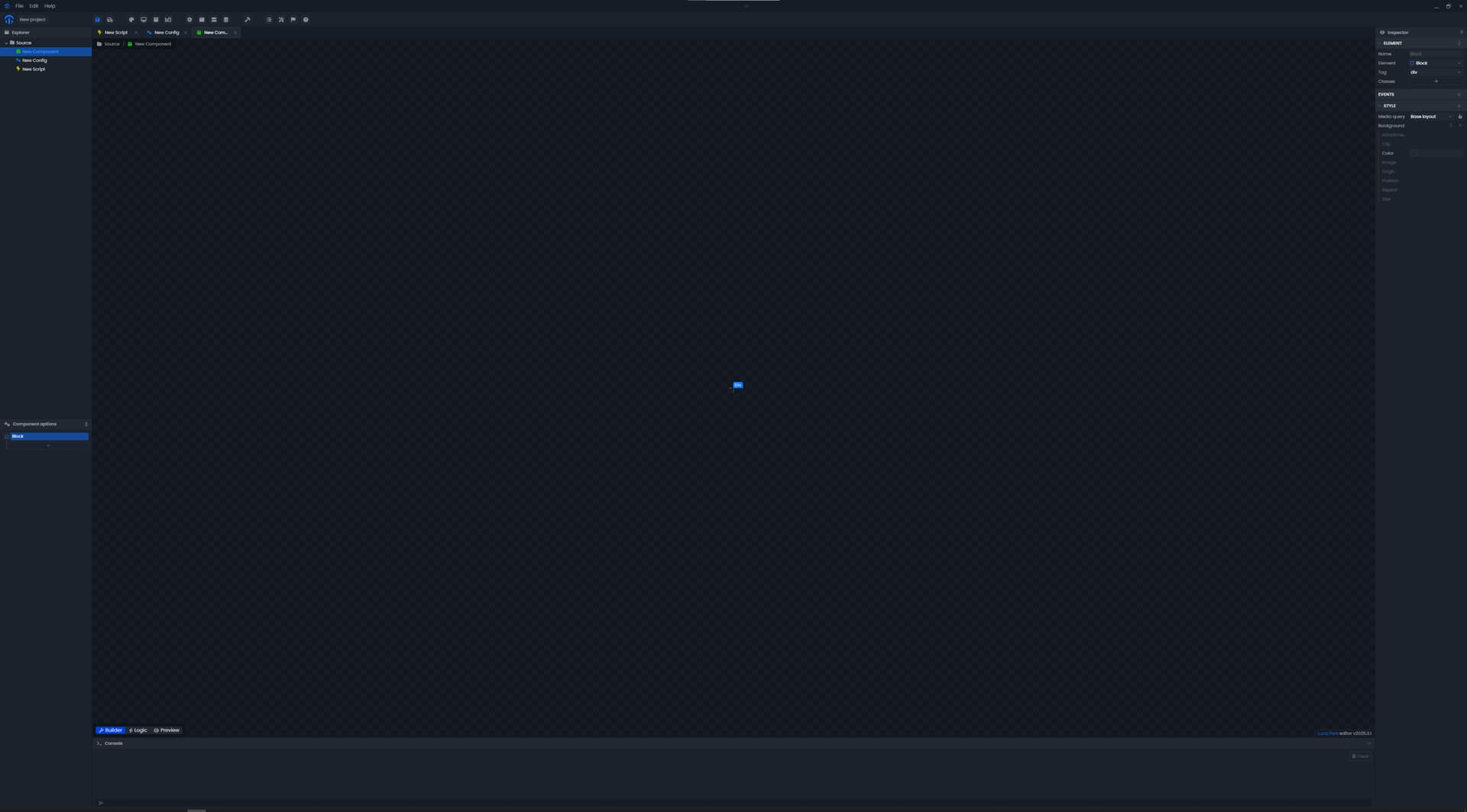
In the screenshot, I’m giving an example from my workplace, how can a newbie (especially with poor eyesight) find a color choice?
Not only is it shallow, but the color of the letters and the outline of the elements merge with the background color. Something has to be done about it.
Wow, I’m really sorry about this… I just push a new version of Luna Park (25.3.3) with a lot of fixes and new features, especially the zoom settings. You’ll have to update it by click the “new” button in the top right corner next time you open Luna Park.
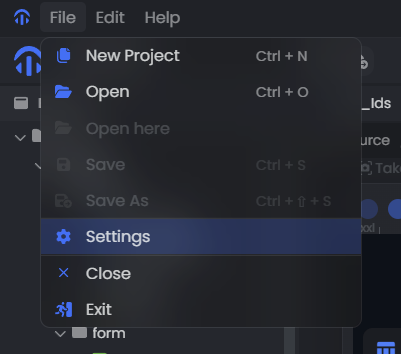
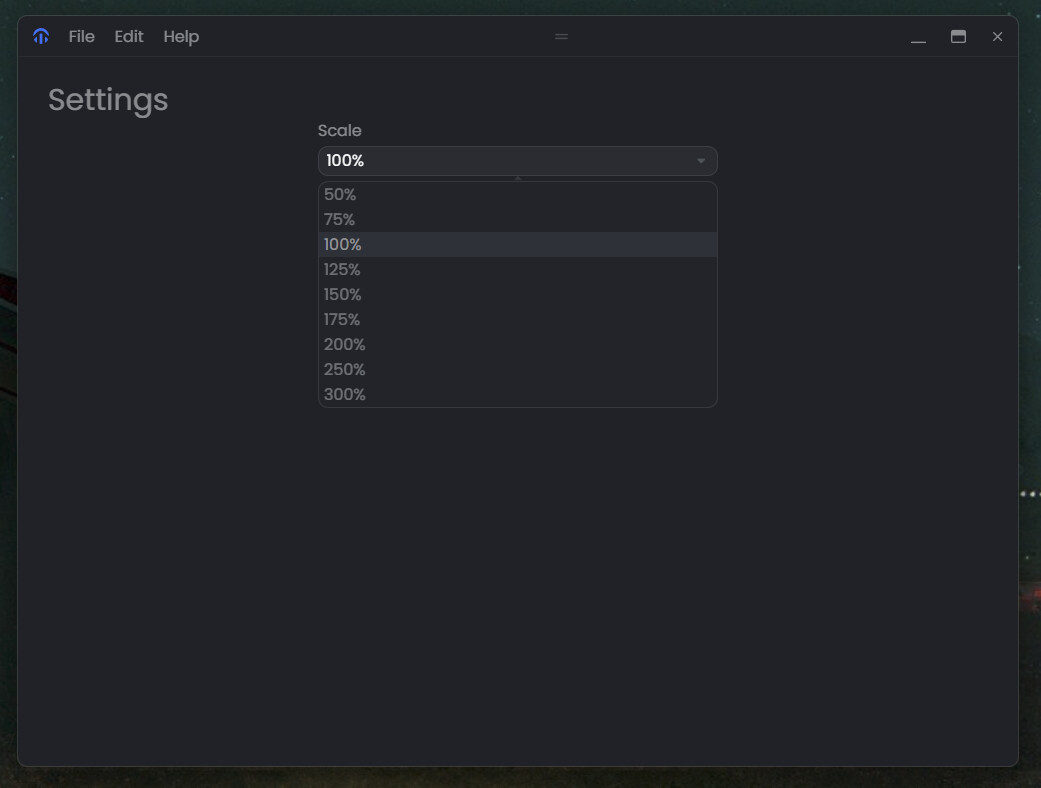
Admittedly the settings panel is pretty ugly for now, I’ll take some time to make it better later…
1 Like
Thanks, I just updated to v2025.3.2, It has become much more userfull!
1 Like