I’m still just learning LP, but my workflow at Noodl and Wappler includes CI/CD using coolify
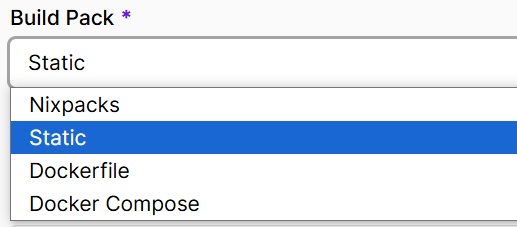
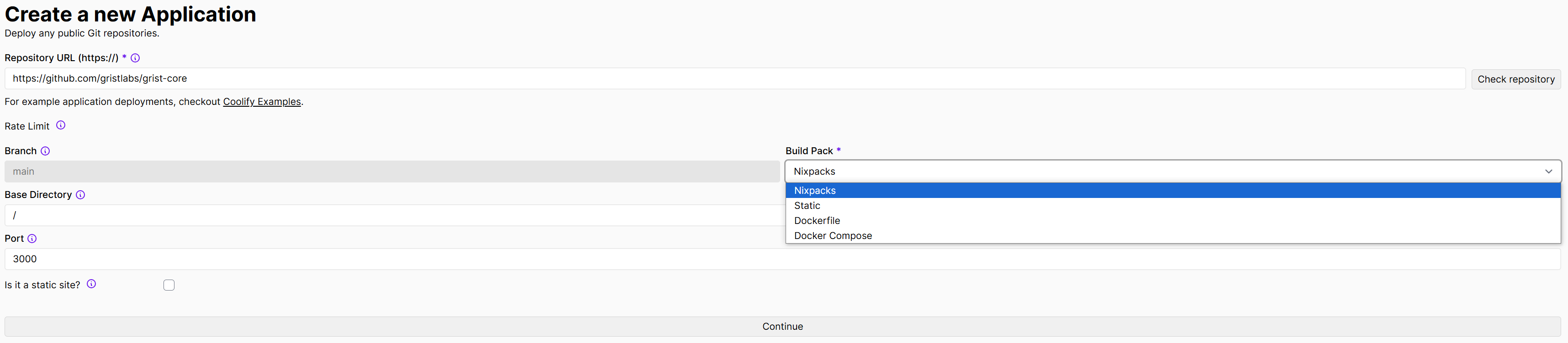
Projects from Noodl are collected automatically during GIT push using Static and deposited in the coolify instance container.
At the same time, the server part in Noodl is a separate container and it is enough to connect it to Noodl in order to program scripts on the Backend.
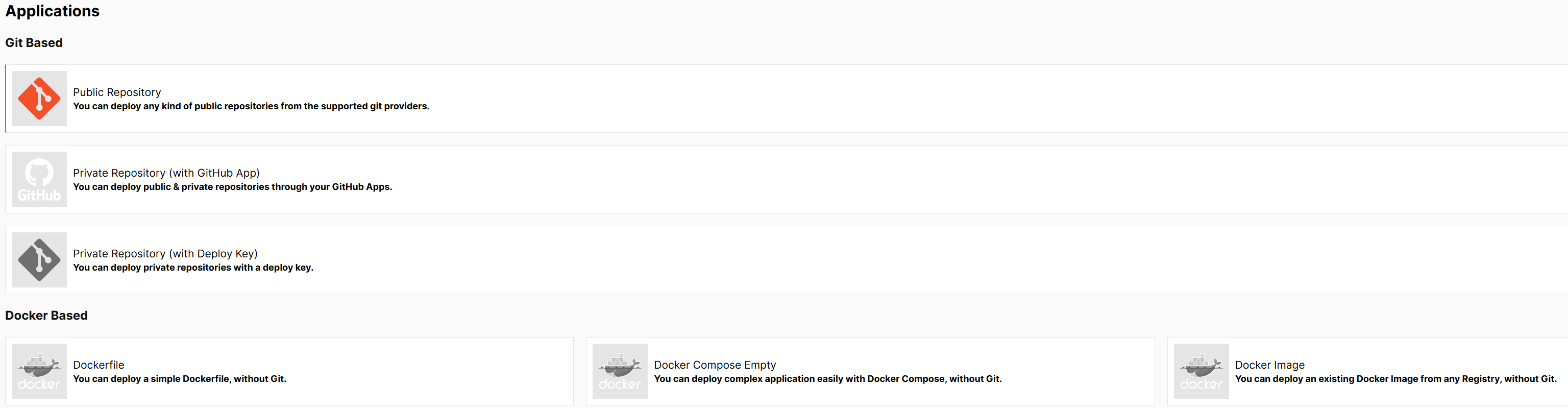
Projects on Wappler automatically create Dockerfile the process is the same as described earlier, just select Dockerfile in the settings and everything works.
Dockerfile generation is on the roadmap, but the output of Luna Park already lets you integrate it in any CI/CD.
The easiest option would be to commit the build folder of Luna Park desktop, which is basically a node project (with vue/fastify/sqlite), to a repo. Then you can integrate any CI/CD with GitHub actions.
If you prefer to do it manually, a simple docker image with node and pnpm should be enough.
If you want to try out the pro version of Luna Park desktop, I can get you a license key. But the upcoming version of the desktop app will let people generate code without a license.
(Btw the desktop version is now available on the frontage if you missed it: https://luna-park.app/)
I’m just in the learning process, I haven’t reached GitHub actions yet (it’s not too soon yet, as it seems to me), I’m just trying out how it works in the GUI of various popular solutions, and it happens magically simply and without code - it inspires and frees up from the routine for more creative and interesting processes.
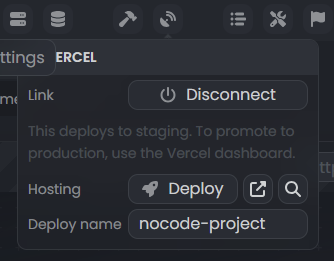
Then, if you’re looking for a simpler solution, you can use the Vercel integration which support one click deployment to production or staging environment!
The long-term goal with Luna Park is to have a marketplace for libraries, components, features and integrations. So hopefully you’ll be able to one-click deploy anywhere. I or someone will just have to write such Coolify integration.
(Admittedly, since it already works with Vercel, it shouldn’t be too hard to make it work with Coolify)
Yes, all such programs go this way, and that’s right, there are dozens of libraries in vue, for example, we recently discussed integration into the library interface in the Telegram community dedicated to Directus. Vue Qrcode Reader, without reading or generating QR or barcoding, it is impossible to imagine applications, as well as a table processor, for example ag-grid-demos/finance/vue at main · ag-grid/ag-grid-demos · GitHub, or a template engine for creating printed data-driven documents in PDF…
You don’t even have to do anything here, everything is already on your roadmap.
Push to git (i use gitea), select in coolify: Deploy any public or private Git repositories through a Deploy Key.
Add a webhook commit in the interface (this is not for GitHub repositories) and Coolify will deploy it into a container by itself.
The app has been published every commit.
For frontend, just select Static and specify the path, that’s it.